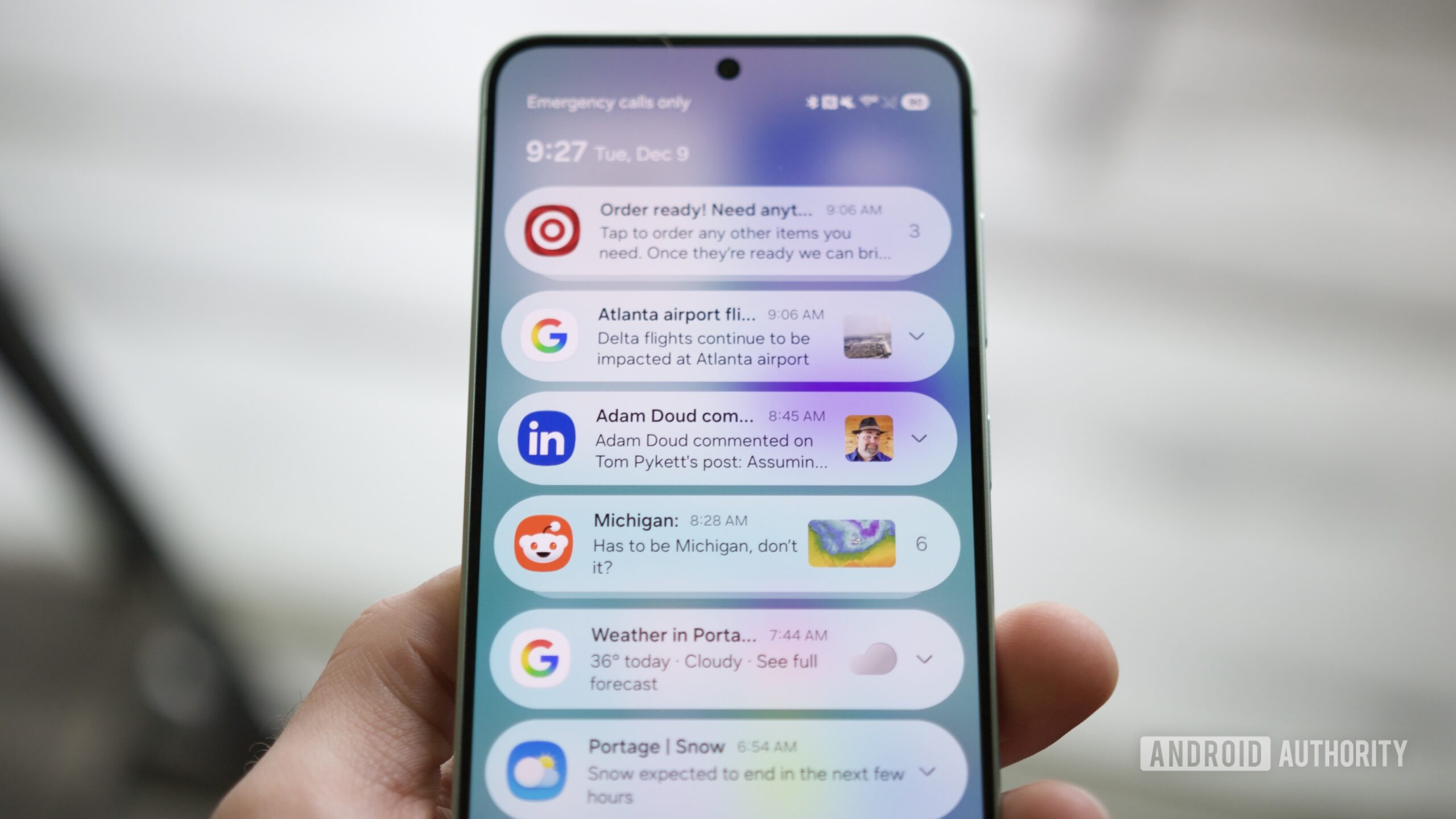
"Whether it's for a new product, an ongoing sale, or whatever else, few things are as annoying as having your notifications filled with advertising like this. But what if I told you that you could now filter out those advertising notifications so you don't receive them?"
"The first thing to do is ensure you have a Samsung phone running the One UI 8.5 beta. You can download the One UI 8.5 beta now for the Galaxy S25, Galaxy S25 Plus, and Galaxy S25 Ultra. If you don't have one of those phones, or if you prefer not to use beta software, you'll get this feature when One UI 8.5 rolls out to everyone - likely in early 2026."
One UI 8.5 adds a 'Block apps with excessive ads' setting that prevents apps from sending advertising notifications. The setting appears in Device care > Settings > Block apps with excessive ads and is enabled by default in Basic blocking mode. Basic blocking automatically blocks apps Samsung has flagged for frequent or excessive ads whenever they are detected on the device. The feature is currently available in the One UI 8.5 beta for Galaxy S25, S25 Plus, and S25 Ultra, with a public rollout expected likely in early 2026 for wider device availability.
Read at Android Authority
Unable to calculate read time
Collection
[
|
...
]