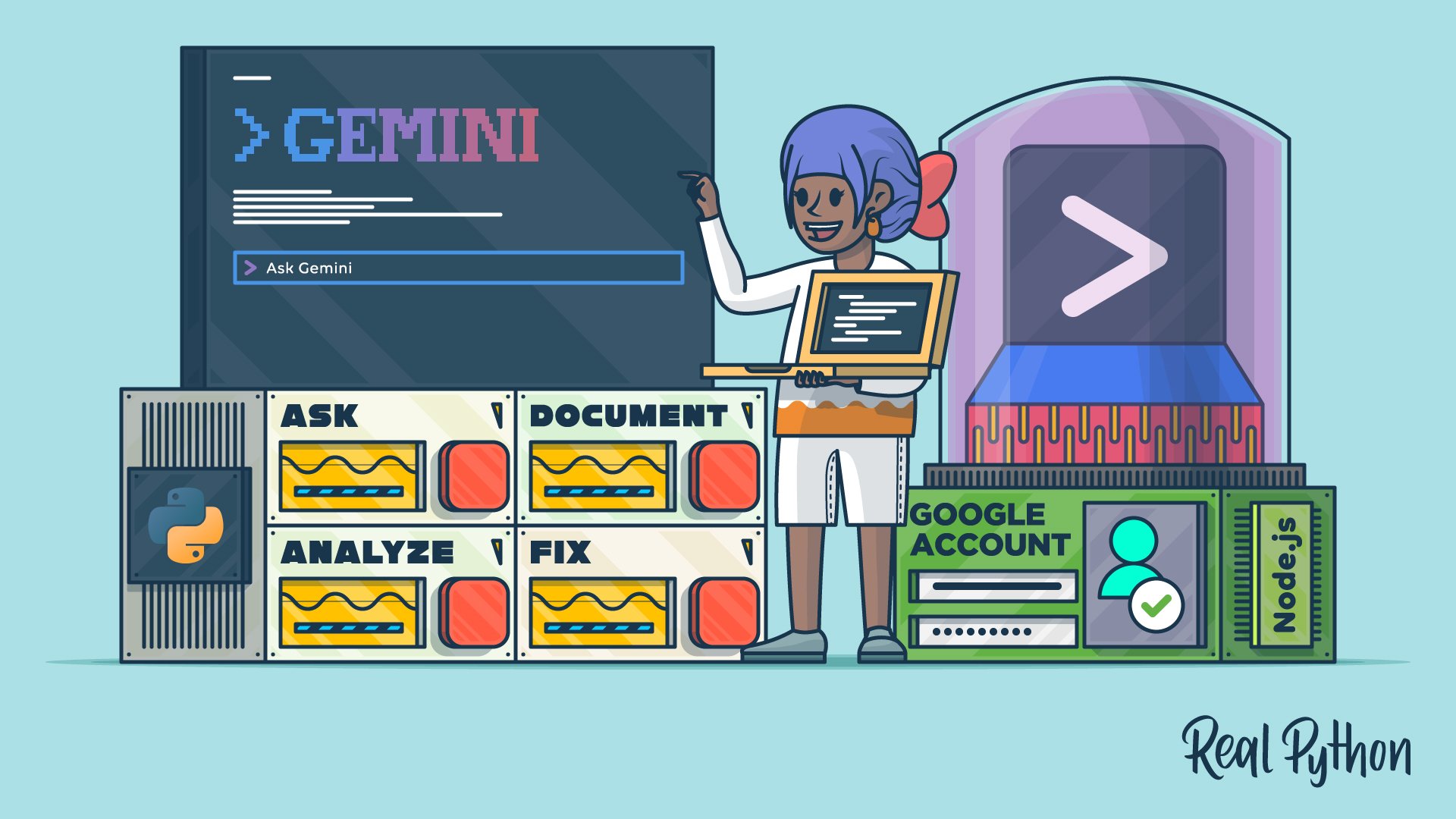
"This video course will teach you how to use Gemini CLI to bring Google's AI-powered coding assistance directly into your terminal. After you authenticate with your Google account, this tool will be ready to help you analyze code, identify bugs, and suggest fixes-all without leaving your familiar development environment. Imagine debugging code without switching between your console and browser, or picture getting instant explanations for unfamiliar projects."
"Like other command-line AI assistants, Google's Gemini CLI brings AI-powered coding assistance directly into your command line, allowing you to stay focused in your development workflow. Whether you're troubleshooting a stubborn bug, understanding legacy code, or generating documentation, this tool acts as an intelligent pair-programming partner that understands your codebase's context. You're about to install Gemini CLI, authenticate with Google's free tier, and put it to work on an actual Python project."
Gemini CLI brings Google's AI-powered coding assistance directly into the terminal, allowing code analysis, bug identification, and suggested fixes without leaving the development environment. Authentication with a Google account enables access to the tool, including Google's free tier. Natural language queries provide instant explanations, help understand unfamiliar projects, and accelerate code comprehension. The tool supports debugging, troubleshooting stubborn bugs, understanding legacy code, and generating documentation by acting as an intelligent pair-programming partner that understands codebase context. The workflow focuses on staying in the command line while installing Gemini CLI and applying it to real Python projects with downloadable resources and related learning paths.
Read at Realpython
Unable to calculate read time
Collection
[
|
...
]