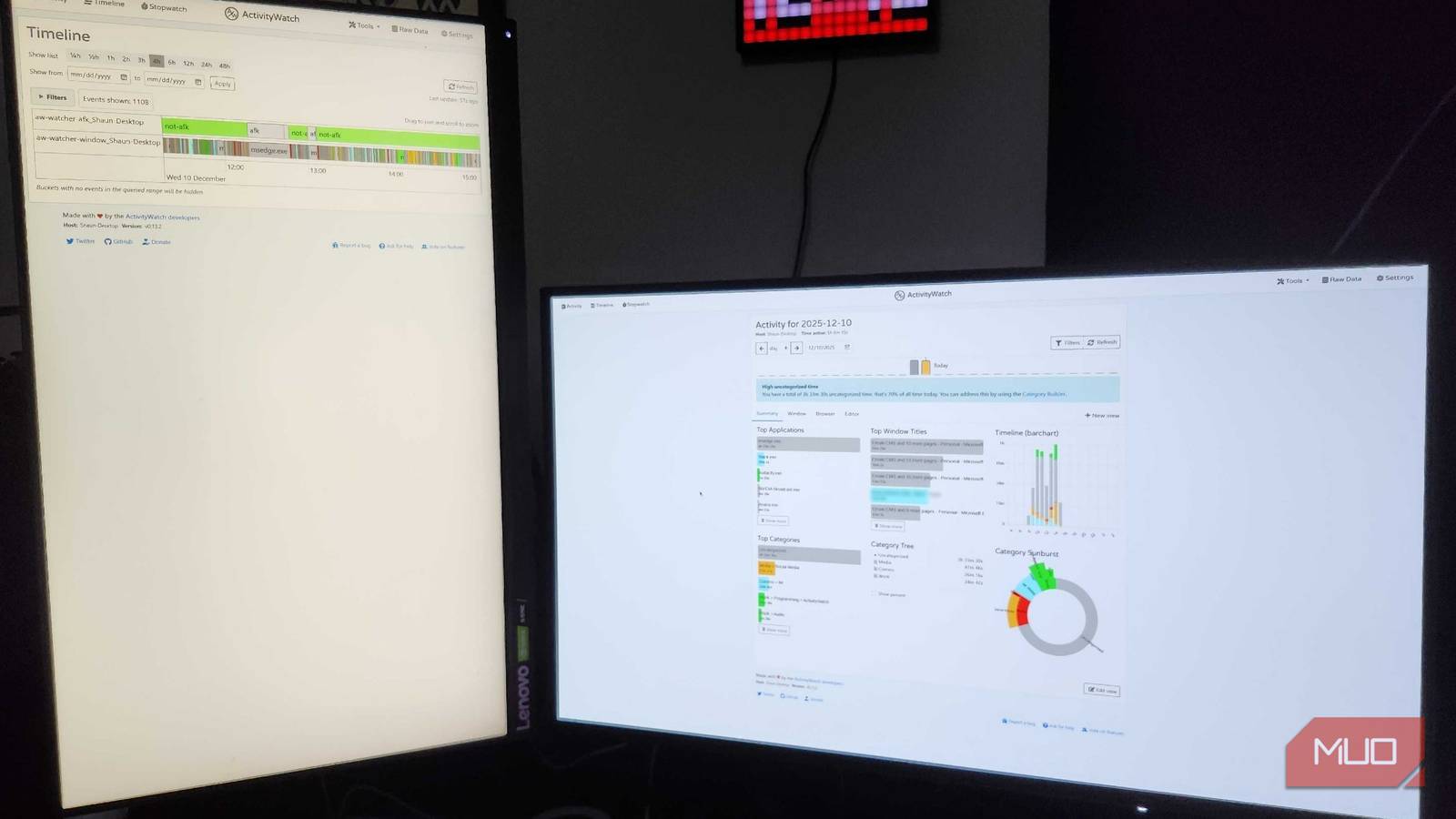
"Simple breakdowns are a blessing in disguise, giving you a quick way to glance and see exactly what you were up to for the majority of the day. For remote workers, ActivityWatch may be exactly what you need if you find yourself getting caught up in the constant cycle of doomscrolling while you're working. Seeing exactly how much time you spend in a specific program or window can be a major eye-opener."
"Seeing exactly how much time you spend in a specific program or window can be a major eye-opener. ActivityWatch also breaks down everything into easy-to-understand categories, while allowing users to build their own categories via keywords. This program offers a lot to beginner users and lets power users build their own custom databases to monitor nearly everything they do on their devices."
ActivityWatch records and categorizes daily computer activity to reveal how time is spent across programs and windows. Visual graphs and charts present quick overviews while a Timeline feature provides moment-by-moment breakdowns for deeper analysis. Built-in categories simplify use for beginners and keyword rules allow custom categories for advanced users. The tool exposes habits like doomscrolling and unattended web browsing, enabling targeted behavior changes. Short-term use already shows measurable productivity improvements and highlights areas for future optimization. The application supports integration with custom databases for extensive monitoring and flexible workflows.
Read at MUO
Unable to calculate read time
Collection
[
|
...
]