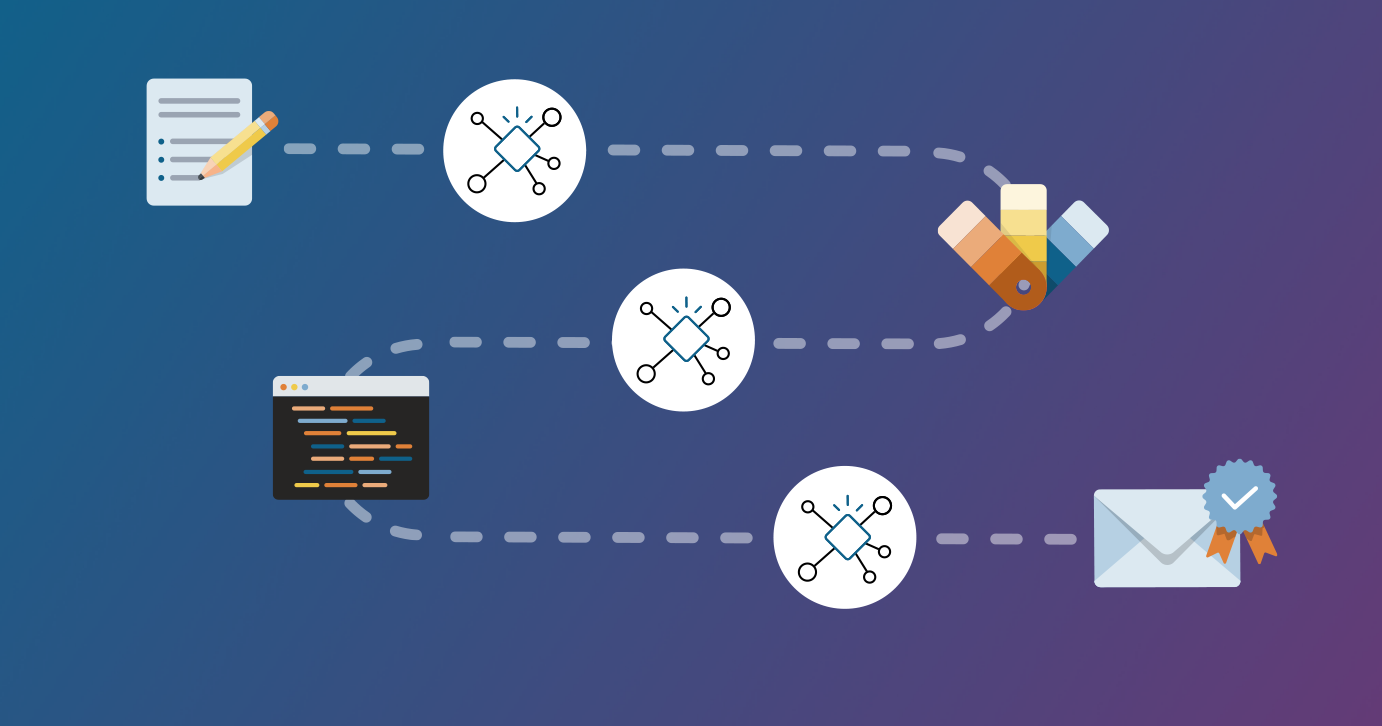
AI reveals a hidden, outdated assumption: that humans will continue to serve as the "digital glue," manually connecting disparate systems, teams, and decisions. For decades, enterprise software perpetuated a model of sequential handoffs, in which people managed data entry, reconciled conflicts, chased approvals via email, and updated spreadsheets. This structure was manageable when uncertainty was low and delayed decisions were affordable.
They don't drive it. They don't manage it. They don't control it. They let it control them. And then one day, they look up and realize discovery closed last week, the client is asking why nobody has taken the key depo, the adjuster wants a status report "by the end of the day," and the partner is asking the question that makes your stomach drop: "Where are we on this file?"
Attorneys juggle deadlines, compliance, client demands, and a mountain of admin work, often without clear systems to support them. Growth, under those conditions, feels impossible. Workflows are the step-by-step processes that run your firm, they are the backbone of a scalable, profitable, and sustainable legal practice. By streamlining how your firm operates day to day, you create consistency, protect client trust, and free up capacity to take on more work without burning out your staff or yourself.
Most business owners who hire me to integrate AI into their workflow are aware of AI trends like agents and automation, but they're completely overwhelmed by it and have no idea where to begin. Their employees tend to have even less AI knowledge and just think of it as a basic chatbot. Other clients want to jump right into complicated AI tools without learning any of the building blocks.
monday.com task management templates act as your project's jumpstart button. These layouts give you a pre-built structure to assign tasks, track progress, manage timelines, and visualize your project roadmap. With these monday.com templates, you can: Organize tasks by team, priority, or time slots Track performance and progress with a clear view Manage projects across different industries Access tools like Gantt chart templates, content calendar templates, and more